Display/FU
EasyGraph supports plotting the process/display value of VSE evaluation units A341, A350, and FU210 using the serial interface (RS232/USB).
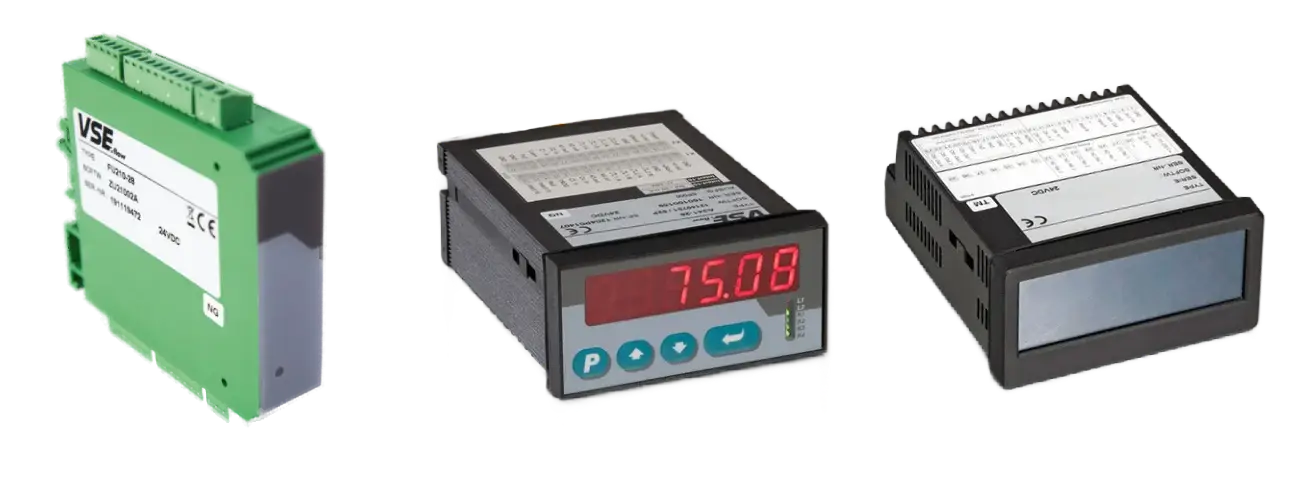
Overview
To use these devices, you will either need a device with integrated USB-Port or a separate USB-RS232 adapter. Unlike log.flow and IO.flow, the port is not auto-detected because the connection depends on the selected COM port.
Supported devices and signals
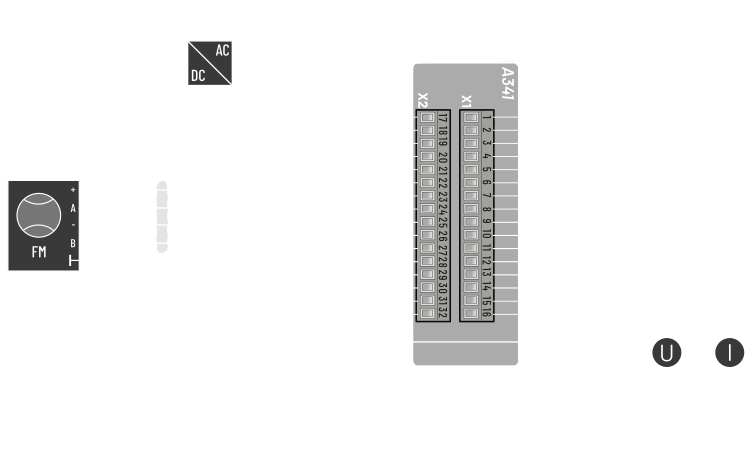
A341
- Single or dual channel quadrature (HTL level 0..24 V)
- Frequency ( Flowrate)
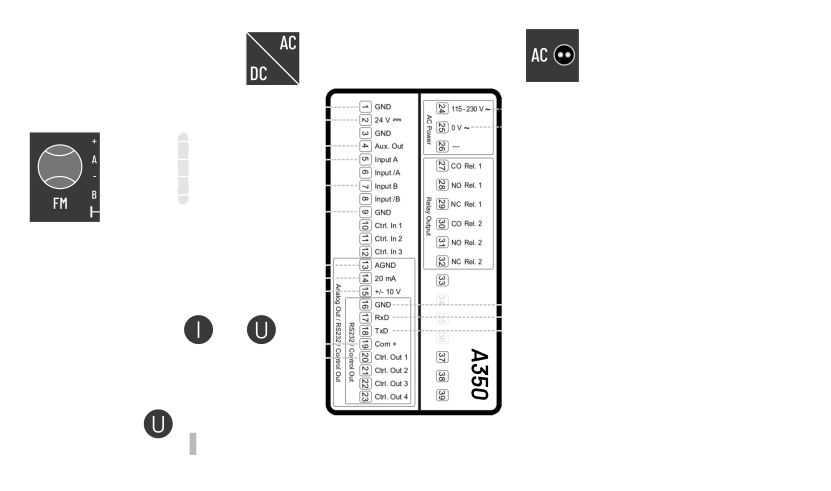
A350
- Single or dual channel quadrature (HTL level 0..24 V)
- Frequency ( Flowrate) or
- Pulse Count ( Volume)
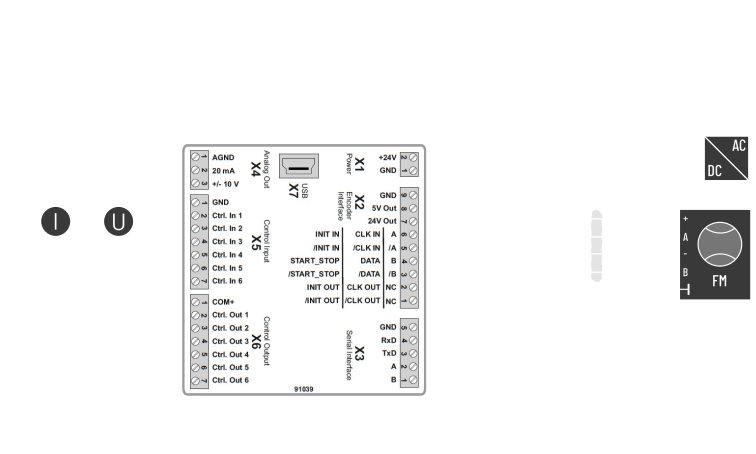
FU210
- Single or dual channel quadrature (HTL level 0..24 V)
- Frequency ( Flowrate) or
- Pulse Count ( Volume)
Activation
If you are connecting to an evaluation unit for the first time, follow License Activation — Online Activation. The additional-devices license is validated online on each software start.
Device menu
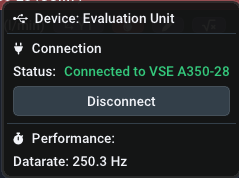
Connection process
Automatic connection is not available for Display/FU devices because EasyGraph must know which RS232/USB interface to use. Open More, choose the correct COM port, and connect manually.
How to find the right COM port?
Use the Windows Device Manager (devmgmt.msc). Open Ports (COM & LPT) and watch which port appears when the USB-RS232 adapter is plugged in. That is the port to select in EasyGraph. A native motherboard serial port is usually COM1.

What is Cooldown?
Some evaluation units do not start streaming immediately after connection. The serial connection must stay idle for a device-specific "cooldown time" before live values begin to be transmitted. The remaining cooldown time is shown in the device settings as it runs down. This behaviour unfortunately can't be changed or turned off.
Performance and limits
Data rate : For evaluation units, the data rate is fixed and EasyGraph uses the highest available setting.
Parametrization
EasyGraph can't change the parameters of the connected device. To change the device parametrization, disconnect EasyGraph and use EasyLoader or OS10.0. After parametrization, EasyGraph can be reconnected.